Live demo

Try it on a real restaurant.

This is Demo Kitchen, a real demo restaurant. Order away: your order shows up on our demo kitchen screen. Nothing is charged and nothing is kept.

These open in a new tab. They are the pages your guests would see.

The real guest page. Scroll, tap a dish, send an order.

If the frame stays empty, open the demo in a new tab

The owner side

What your team sees.

Real screens from the demo restaurant.
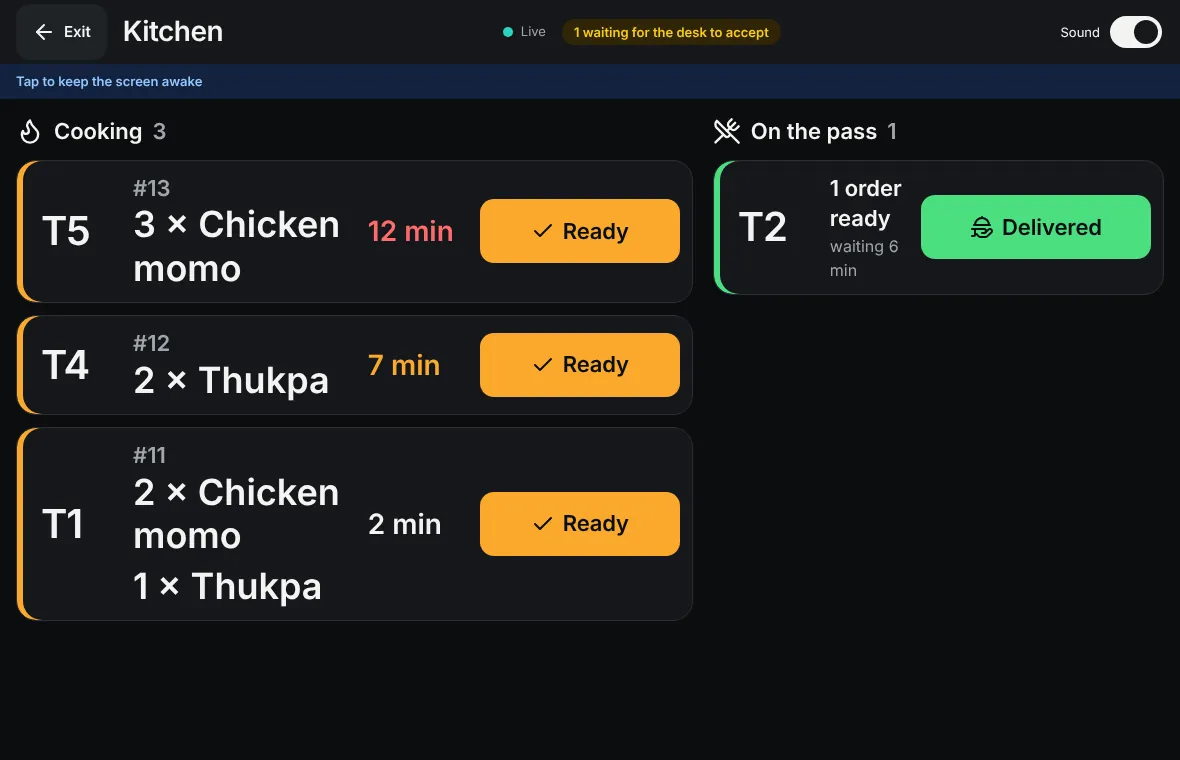
The kitchen screen: new orders in columns, each with the table number and the dishes.
The kitchen sees every order the moment it is sent.
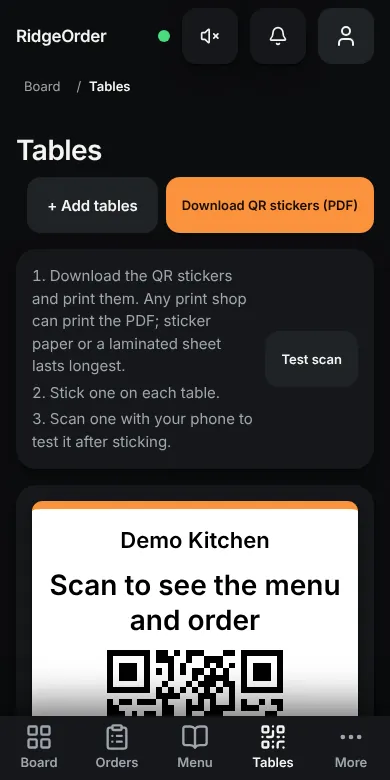
The owner's Tables screen on a phone: a button to download QR stickers and a sticker with the restaurant name.
Print a QR sticker for every table. Any print shop can do it.
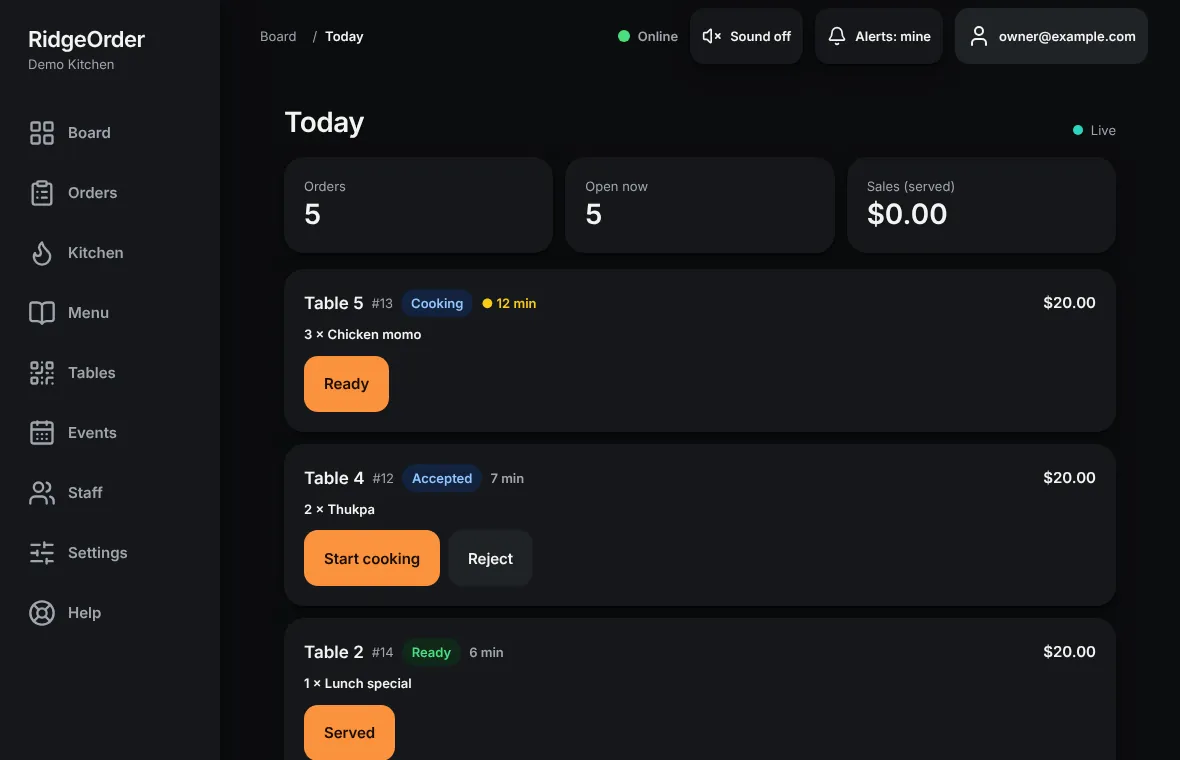
The owner's Today screen: orders and sales so far today.
The owner sees today at a glance.
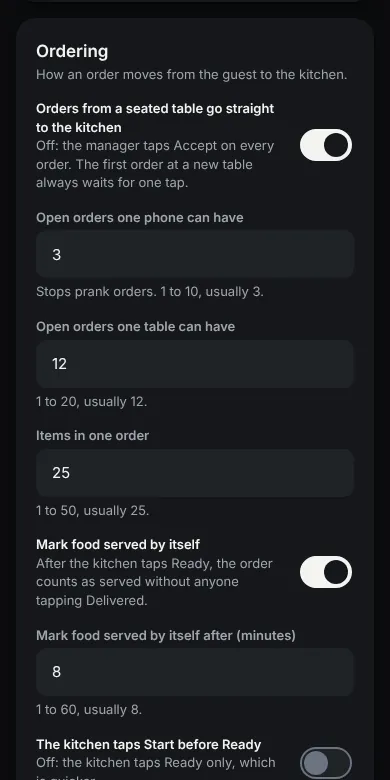
The owner's Settings screen on a phone: how an order moves to the kitchen, with switches and limits.
Each setting is a switch or a number.